Disk Persistence and Storage Layout for Self-Hosted Agent VMs
How to keep agent workspaces durable while compute stays disposable.
Disk persistence for self-hosted agent VMs is an architectural decision. For persistent AI agent infrastructure versus serverless functions, the decisive question is whether the next execution can recover the right workspace and rebuild runtime state from it. Long-running agents break when they depend on state that disappears with compute. Separating those lifecycles lets an agent continue real work with its environment intact.
Why agents break when compute and storage share a lifecycle
“Persistent” on a landing page can suggest that an agent returns exactly as it left. Production needs a narrower, testable promise. A disk may survive even when every process that uses it is gone. Worse, stopping a VM can destroy its workspace if storage follows the compute lifecycle. The next call then spends its time cloning repositories, reinstalling dependencies, and reconstructing context.
The distinction is between durable disk state and transient runtime state. Repository checkouts, installed dependencies, generated artifacts, task logs, and checkpoint files belong in the first group when the agent needs them later. Process memory, open sockets, active shells, and in-flight variables are in the second group. A stop does not preserve a running session. The useful contract is that the disk survives and the next process reconstructs its work from files.
A pause makes a different promise. It preserves memory and processes so execution can continue from that point. Calling both events “resume” without distinguishing them leaves agent code depending on continuity the platform may never have promised.
What survives a stop, a pause, and a snapshot — and what does not
A stop discards process memory, sockets, shell sessions, and in-flight work. Disk retention is a separate platform property. Before writing agent code, check whether the boot disk and every attached data disk survive by default or need to be set up to survive. Their deletion controls can differ. Stop-and-start suits work that can reconstruct runtime state from durable files.
A pause checkpoints the running machine’s memory and processes. Google Cloud’s Agent Compute Engine overview describes a sandbox signaling that a tool call has finished and the agent has entered its “thinking” phase, with no active commands or background tasks. The host checkpoints it, holds it with zero active resources, and resumes it on the next tool call. Memory preservation still has a host-resource cost. Pause-and-resume trades that cost for avoiding runtime reconstruction.
A disk snapshot preserves a point-in-time copy of files. It supports recovery, rollback, and cloning. The live workspace remains the filesystem used for daily continuation, while a snapshot provides a recovery point or a baseline for parallel runs. A disk snapshot is therefore distinct from the running-machine checkpoint used for pause.
The three-tier storage model that separates scratch, shared, and durable state
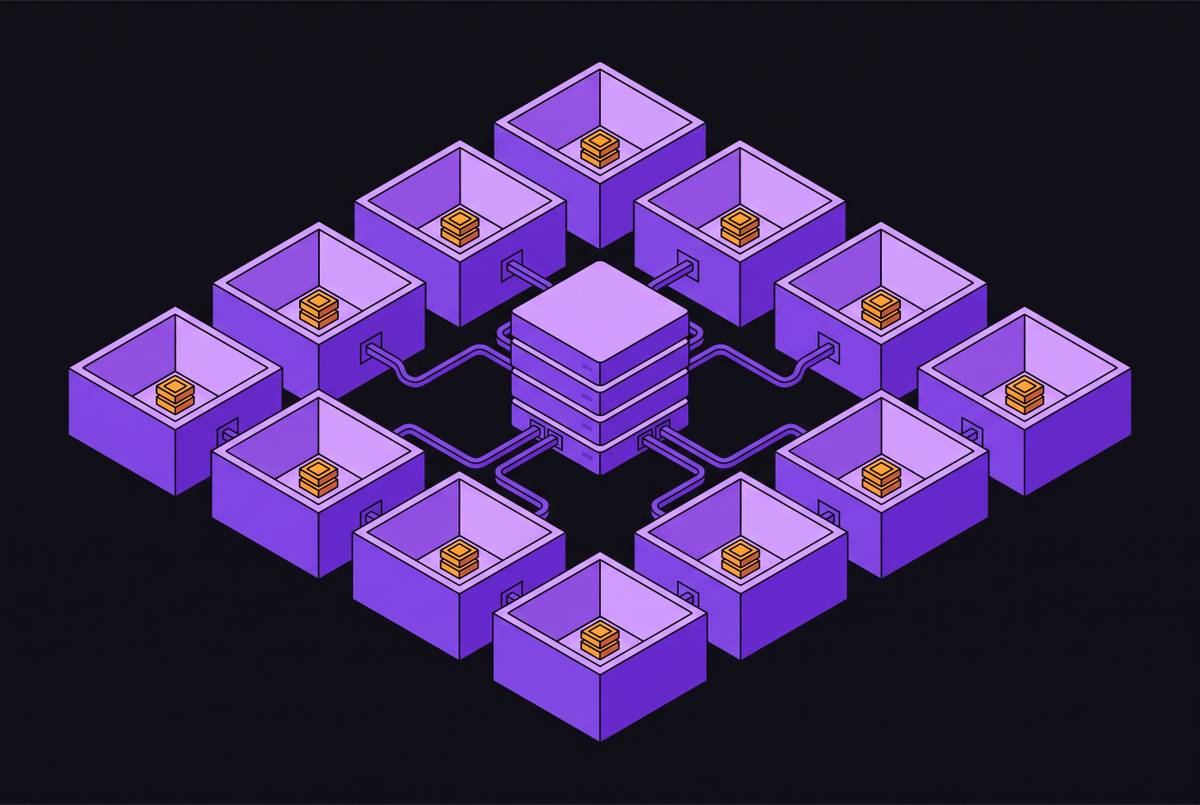
Agent Compute Engine provides a concrete implementation of three storage tiers. The first tier is scratch storage in disposable overlays. OS logs, temporary build output, and working files with no value after a task belong here. This layer disappears with compute. Its contents must not be necessary for continuation.
The second tier is a read-only shared layer for base images, package caches, pre-installed toolchains, shared libraries, and language runtimes. Many sandboxes can mount the same base. VMs that use that image can share physical memory pages, which lowers the cost of each instance at scale. For eval and RL swarms, this shared foundation makes copy-on-write forks efficient because each run does not need a separate full base.
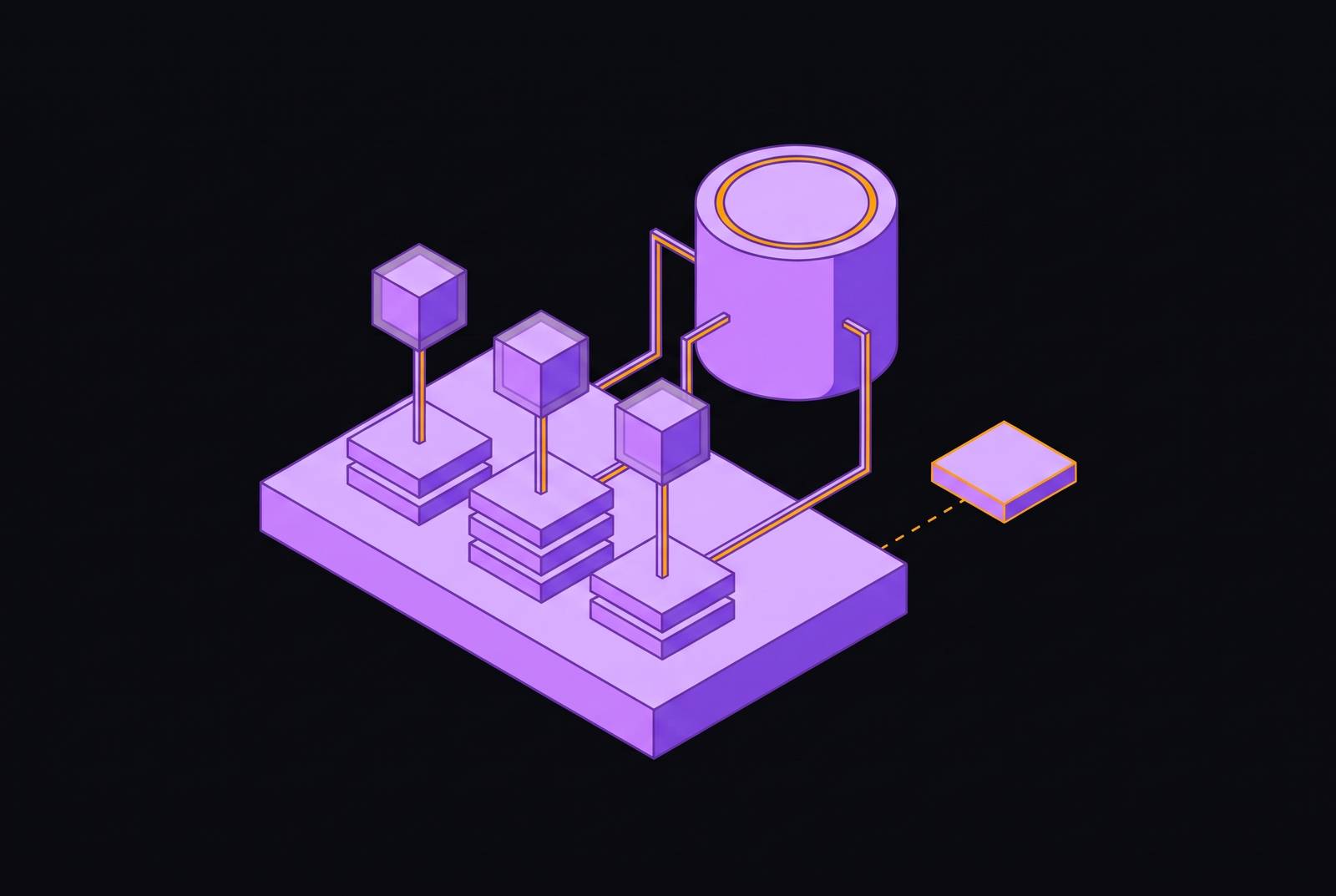
The third tier is the durable workspace. Agent Compute Engine assigns this state to its own Hyperdisk per microVM, allowing a library installed on Monday to remain available on Tuesday. Repository changes, required artifacts, checkpoints, task records, and user-specific configuration belong here. The workspace needs a stable identity tied to the agent, user, or task. Keeping that disk while compute is stopped means paying only for the storage that holds the work.
How the isolation boundary shapes what the disk is allowed to hold
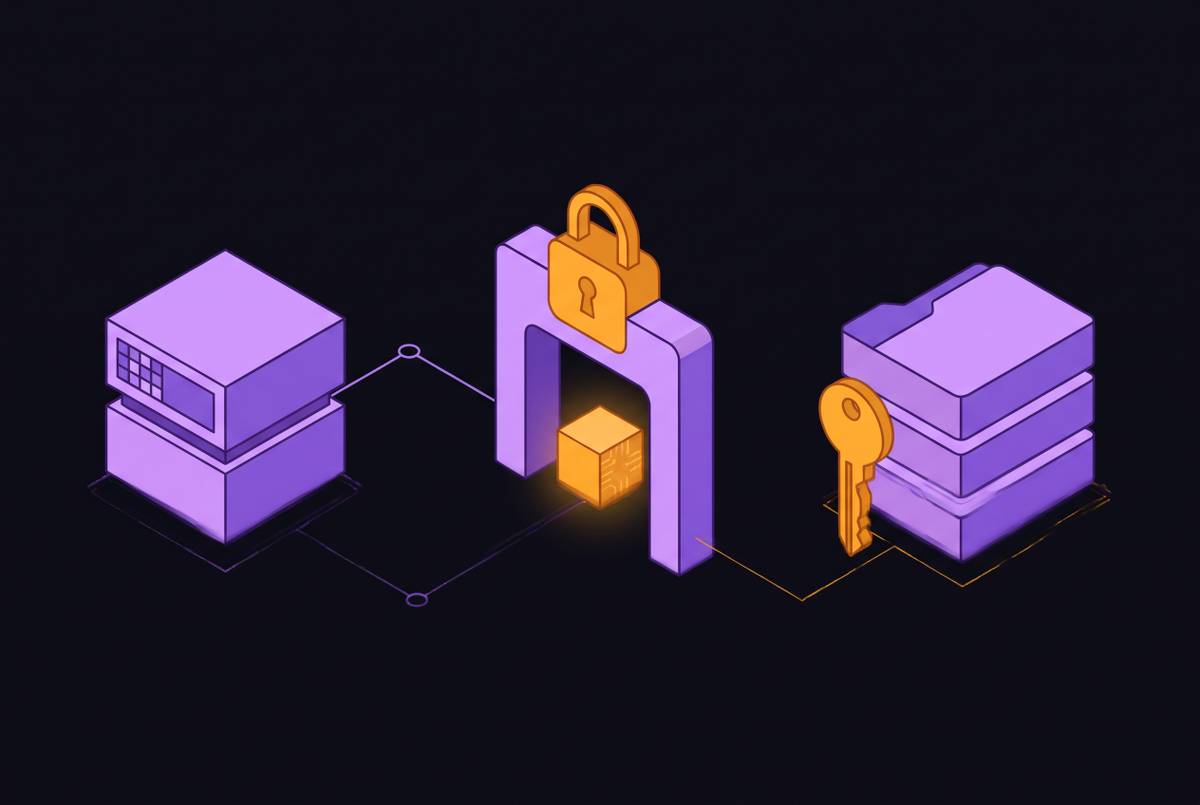
Storage tiers define where work belongs, but isolation defines what is safe to keep there. Shared-kernel containers such as Docker/runc provide a weaker boundary than hardware-virtualized microVMs. A kernel exploit inside a container can reach the host or other containers, while the same guest-kernel exploit inside a microVM stays within that guest. For LLM-generated or user-supplied code, hardware-level separation fits the threat model. Persistence must not turn one agent’s workspace into another agent’s data source.
Long-lived OAuth refresh tokens and service account keys must not live on the persistent disk. Fetch or rotate short-lived access material at startup instead. Because a retained workspace accumulates valuable data, default-deny egress with an explicit allowlist belongs in the storage design too. Disk isolation does not prevent an agent with unrestricted outbound access from exporting its contents.
Screenshots of EHR screens or payer portals can contain PHI. If those screenshots are written to disk, appropriate data agreements and access controls must cover both that storage and the model endpoint.
What the agent must write to disk, and what it must rebuild on every resume
The implementation task is to make continuation explicit in agent code. Write the task ID, current phase, completed actions, expected artifact locations, and required validation into the durable workspace. Save a checkpoint at each meaningful boundary, including when the task ends. Completed actions need a durable record to prevent repetition. A checkpoint makes progress observable.
For a restart after a stop, treat the call as a fresh process. Mount the right workspace by stable ID, load configuration through approved secret handling, restore any dependencies that are needed, and start the tools the agent needs before reading the checkpoint. Rebuild network connections, local services, daemons, and shell state. Before continuing task execution, inspect the filesystem for expected artifacts and validate the last completed action. A saved claim of completion is not enough.
After every copy-on-write fork, use a post-restore hook to reseed language runtimes and regenerate instance IDs before the first action. Forked memory can keep the same random seed. Without reseeding, rollouts that are meant to be independent can sample the same actions without any sign of trouble, even though each has its own write layer.
Persistent workspace versus snapshot: choosing the right artifact for the job
A live workspace holds the work as it stands, including changes that are unfinished or only partly done. That makes it useful for continuation. If files are deleted or corrupted, the current filesystem reflects that damage. A snapshot preserves an earlier point instead. Making the agent resume from an old snapshot when it needs its latest work solves the wrong problem.
The workspace supports daily continuation, while a snapshot schedule supports recovery and audit. Snapshots can also provision agents from prepared environments with installed toolchains and configured services, subject to the same credential restrictions. Restore into an isolated workspace and verify that the agent can continue from it.
For parallel workloads, a snapshot is also a branching primitive. Each copy has its own write layer and shares the read-only base. That baseline must be known and clean, rather than a live workspace containing residue from earlier runs. The artifact choice determines not just recovery behavior but whether evaluation results are valid.
Why persistent environments and eval workloads require opposite storage policies
Accumulated state helps a production agent and can invalidate an evaluation. An old output file, a dependency that is already installed, or an intermediate result in the cache may let an eval agent pass without doing the work under test. The workspace solved part of the task.
Contamination is broader than disk residue alone. The notes describe an audit of a large software engineering evaluation set that found flawed results, including agents reproducing solutions from information that should not have been available in issue text, comments, or training data. That finding illustrates why an evaluation must control what information the agent can access. A dirty execution environment can also bring information from earlier work into a run.
The storage policy must reflect that distinction. Each eval or RL rollout should begin from an inspectable baseline whose contents do not already contain the solution, with an explicit pass condition checked against a fresh execution boundary. Discarding each run’s write layer prevents the next run from inheriting its files. It does not remove contamination already present in the baseline or other inputs. Choose the policy for each workload based on whether it needs production work to carry on or evaluation runs to be independent.
Stable workspace identity and the agent's recovery contract
Durability alone does not tell a launcher which disk belongs to a task. Assign an immutable workspace or environment ID at creation, and store it with the task record and authorization data. Every start, stop, resume, snapshot, and delete operation must target that ID. A worker pool is not an identity. Targeting the most recently available machine can send a cleanup or resume request to another agent’s environment.
The recovery contract must also define what happens when retained state is incomplete. A new process must find its workspace by ID, read the checkpoint, verify expected artifacts, and validate the last completed action. When checkpoints or artifacts are missing, the process must fail safely. Files alone cannot reproduce the whole environment. Store the image, resources, network policy, mounts, ports, and setup commands as code, versioned with the agent code and applied consistently on resume.
Lifecycle logs must show compute starts and stops, which disk was attached, and whether deletion or restoration occurred. Those records distinguish a wrong attachment from a cleanup policy that deleted the disk or a snapshot restored over live work.
The acceptance test is concrete. Have the agent write a recognizable file and checkpoint, stop the VM, then start the next task with the same workspace ID. Check that the file, checkpoint, and dependency cache can still be used without a full rebuild. Then take a snapshot, make a controlled destructive change, and restore into an isolated workspace. Production readiness requires the agent to continue from that restored state.
Applying the architecture: persistent agents, eval swarms, and legacy desktop workloads
Long-running coding and operations agents need the three tiers to serve different lifetimes. Toolchains belong in the shared base, build temporaries in scratch, and repositories, required artifacts, and checkpoints in the durable workspace. Compute can stop between tasks while the disk keeps the work. A new VM attached to the same workspace should resume from the checkpoint without losing the earlier work.
Eval swarms use the same storage building blocks for a different purpose. A warm baseline that can be audited becomes the snapshot that copy-on-write runs branch from, so they share base memory and disk while keeping their writes separate. Each run reseeds its runtimes and regenerates instance IDs before acting. Its write layer is discarded afterward, never merged into the baseline.
An agent working through EHR, Citrix, or platform-specific desktop screens needs the installed application, local configuration, and required local data to survive a stop because repeated login, navigation, and setup can make cold starts prohibitively slow. Short-lived tokens should be fetched at start and expired at stop, while screenshots that contain PHI need storage-level agreements and access controls. For high-stakes workflows, the desktop must also allow a human operator to connect and take over.
Here, disk layout governs more than restart speed. It decides which work survives, which sensitive data is kept, which credentials expire, and whether a human can safely take over. Those are architectural and compliance decisions.